
Entertainment websites are built to keep you watching, scrolling, and clicking. Streaming platforms, video sites, game portals, and online gaming hubs all store logins, payment details, and viewing data. Most account problems do not come from sophisticated hacks. They come from small everyday habits, or the lack of them. The seven habits below cover the basics that protect your accounts and your personal information.
1. Use Only Official Sites and Apps
Fake streaming sites often copy the logos and layouts of popular services, then ask for your email, password, or card details during a “free trial.” Type the address yourself or open a saved bookmark instead of following links from ads or messages. Download apps only from official app stores or the company’s own website, and be cautious with any site that asks you to install an unfamiliar player or browser extension to watch content.
2. Check Reviews and Licensing Before You Pay
Before you enter payment details on any entertainment or gaming platform, look for clear ownership information, a visible privacy policy, and independent reviews from users. Some readers also compare online casino platforms before signing up anywhere with a payment card. If that’s you, Casinous is one comparison resource that collects operator reviews, and you can visit this website to read its breakdowns before committing any money. Whatever platform you choose, set a spending limit and stick to it.
3. Create Long, Unique Passwords for Every Account
Reusing a password across your streaming, gaming, and shopping accounts is one of the most common mistakes people make. If one site is breached, attackers try the same credentials everywhere else. Aim for at least 16 characters, mix letters, numbers, and symbols, and give every account its own password. A password manager makes this practical by generating and storing them for you. The consumer guidance from StaySafeOnline, run by the National Cybersecurity Alliance, recommends exactly this approach.
4. Turn On Two-Factor Authentication
A strong password is not enough on its own, because passwords leak in data breaches and phishing attempts. Two-factor authentication (2FA) adds a second check, such as a one-time code from an authenticator app, a text message code, or a fingerprint scan. Turn it on first for your email account, since email controls password resets for everything else. Then enable it for streaming, gaming, and payment accounts. Never share a code with anyone, including people claiming to be customer support.
5. Use a VPN on Public Wi-Fi
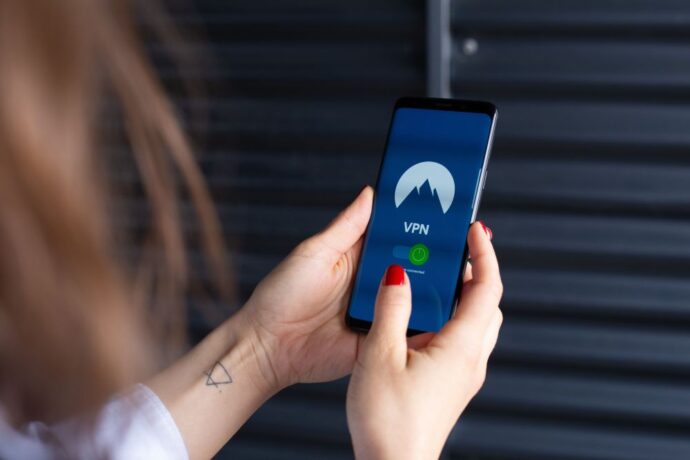
Hotel, airport, and café networks are convenient, but they are often shared with strangers and rarely secured well. A reputable virtual private network (VPN) encrypts your connection so others on the same network cannot easily see what you are doing. Use it when you log into accounts or stream from public Wi-Fi. Avoid free VPN apps with unclear ownership, since some collect and sell the data they are supposed to protect.
6. Recognize Phishing Messages and Fake Login Prompts
Entertainment accounts are popular phishing targets because people expect messages about subscriptions, renewals, and account problems. Be wary of messages that create urgency, such as “your subscription will be cancelled today,” or that ask you to confirm personal information. The Cybersecurity and Infrastructure Security Agency offers simple guidance in its recognize and report phishing resource: if a message looks suspicious, do not click links or call numbers in it. Instead, go to the company’s site directly and check your account from there.
7. Watch for Login Alerts and Keep Devices Updated
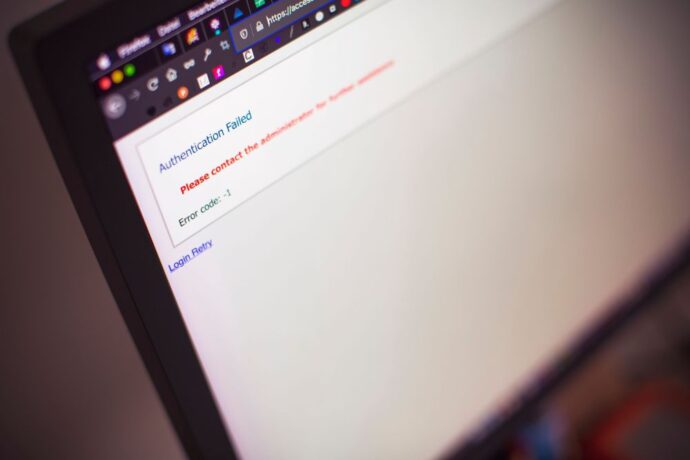
Many platforms send alerts for new sign-ins, password changes, or failed login attempts. Do not ignore them. If you receive a login approval request you did not start, deny it, change your password, and review recent activity. Keep your phone, computer, smart TV, and game console updated, because updates often patch security holes that attackers use to access accounts. Once a month, check the list of active devices on your accounts and sign out of any you no longer recognize.
Keep the Habits Going
None of these habits takes much time on its own. Set up strong passwords, two-factor authentication, and a password manager once, and most of the work is done. The rest is a matter of paying attention to unexpected messages and alerts. That small effort is what lets you enjoy your favorite shows and games without worrying about what happens to your account in the background.